Marvel Tokon Controls: input systems, device setup and practice drills
A Marvel Tokon controls guide explaining traditional inputs, quick inputs, easy chain combos, controller setup, arcade stick notes, leverless support and input practice drills.
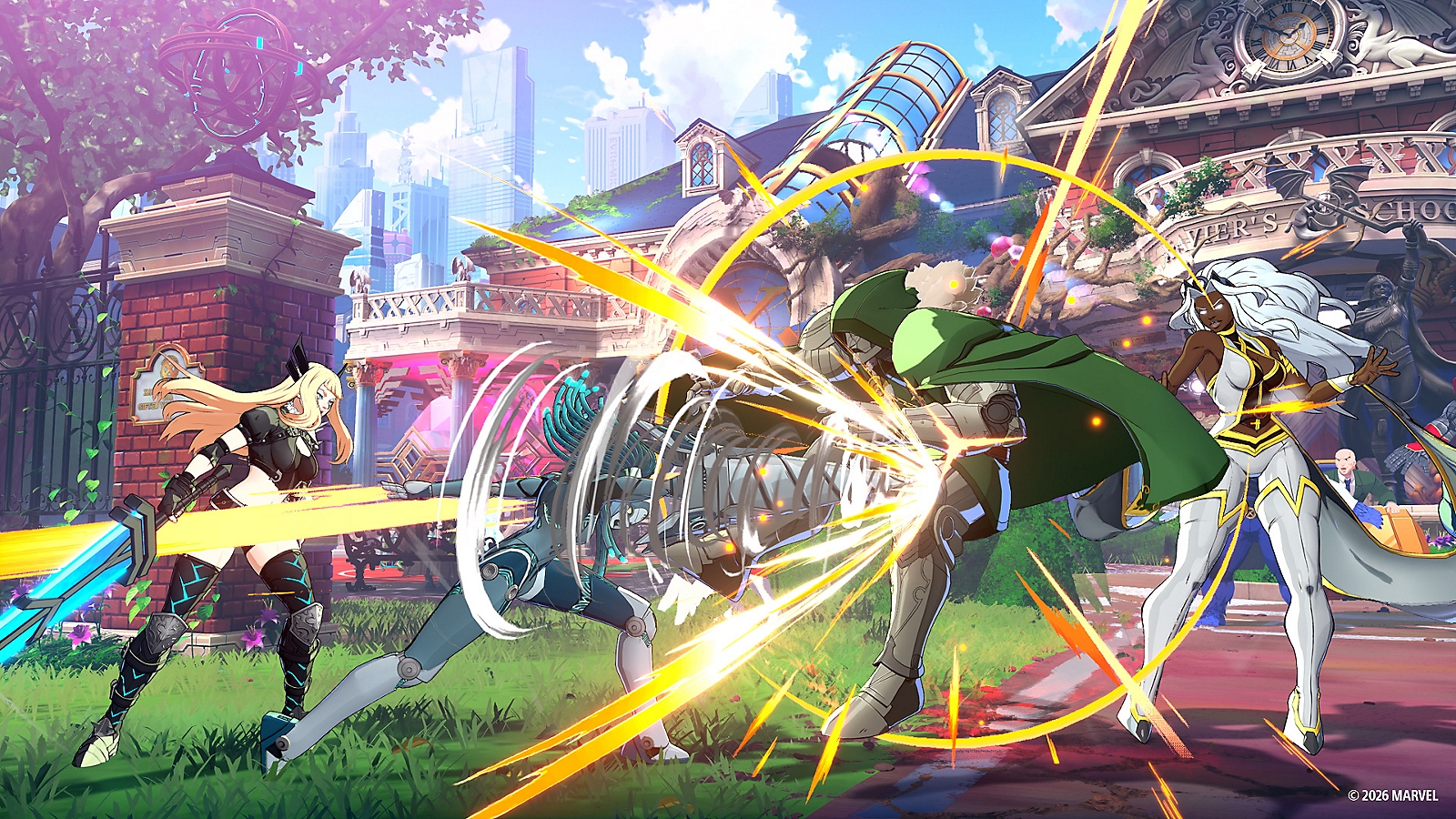
Confirmed control concepts
Marvel Tokon controls are built around both accessibility and fighting game depth. The important question is not only whether Marvel Tokon supports a device, but whether the input method helps you play consistently. New players should use Marvel Tokon quick inputs if they reduce panic, while experienced players can use traditional inputs if motion consistency is already part of their fighting game skill set.
| Feature | Status | Practical meaning |
|---|---|---|
| Traditional inputs | Confirmed | Familiar motion-input structure for fighting game players |
| Quick inputs | Confirmed | Easier access to specials for newer Marvel Tokon players |
| Easy chain combos | Confirmed | Helps create basic offense before advanced routing |
| Custom controls | Confirmed | Layout can be adjusted around player comfort |
| Compatible arcade sticks | Confirmed for supported PS5 devices | Useful for traditional tournament players |
| Leverless controllers | Confirmed for compatible PS5 devices | Useful for precise directional control |
Which input style should you start with?
Use the Marvel Tokon input style that gives you stability. If quick inputs let you focus on spacing, defense and team calls, start there. If traditional inputs feel natural, use them from the beginning. The goal is not to prove a point; the goal is to make your character respond reliably. If the final Marvel Tokon game documents specific tradeoffs between input styles, this page should list them clearly. Until then, do not assume quick inputs are automatically worse.
Practical button setup notes
For a controller, keep movement, attack buttons and assist calls easy to reach without shifting your grip. Marvel Tokon is a 4v4 game, so your layout must support not only attacks but also team actions under pressure. A useful default is to keep light, heavy, special and unique actions on the face buttons, then place assist calls on the shoulder buttons. Dash, team swap or super shortcuts can sit on triggers if that lets you react without clawing your hand or moving your thumb away from movement for too long.
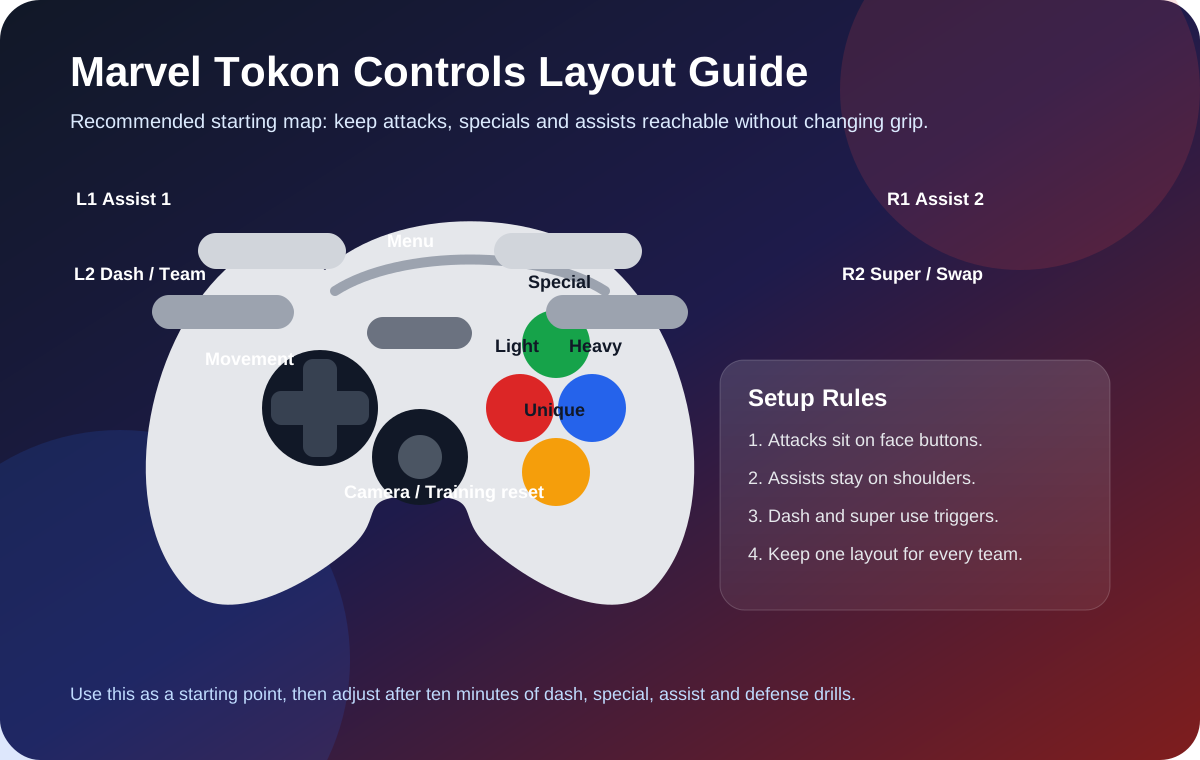
Do not copy a Marvel Tokon controls layout just because a strong player uses it. Test the layout with three situations: a left-side dash into attack, a right-side dash into attack and a defensive assist call while blocking. If one of those actions feels awkward, change the binding before learning long combos. New players should prioritize stable Marvel Tokon quick inputs, easy chain combos and assist calls. Experienced fighting game players can keep traditional motion inputs, but they should still bind team actions where they can be reached instantly.
For DualSense or a similar controller, a beginner-friendly Marvel Tokon controls setup should make face buttons responsible for direct combat and shoulder buttons responsible for team decisions. For an arcade stick, put the most repeated attacks on the top row if that matches your muscle memory, but keep assists on buttons that can be hit without releasing your lever grip. For a leverless controller, verify that down-back blocking, instant jump, dash and quick-input specials do not conflict with your preferred SOCD habits. The best Marvel Tokon controls setup is the one that makes defense, dash, punish and assist timing boringly consistent.
Character-specific core control focus
Every character uses the same Marvel Tokon controls foundation, but each character asks you to emphasize a different input habit. Use the notes below as practice targets rather than fixed combo notation, because final move lists and frame data can change with patches.
| Character | Core control focus | What to practice first |
|---|---|---|
| Spider-Man | Web movement, angled approach and air-to-ground pressure | Practice jump direction, quick movement cancel timing and a short confirm after landing. |
| Iron Man | Repulsor spacing, flight timing and projectile discipline | Practice backing up, firing at different heights and calling an assist before opponents close distance. |
| Captain America | Shield spacing, grounded confirms and safe pressure | Practice walk-block, poke into short combo and shield-style ranged checks from mid-screen. |
| Doctor Doom | Projectile control, teleport-style repositioning and shield timing | Practice placing a projectile, moving behind it and defending instead of always attacking afterward. |
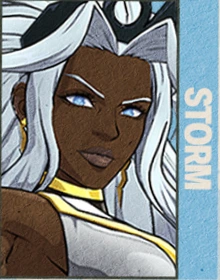
| Storm | Air control, weather setup spacing and anti-approach timing | Practice controlled jumps, retreating buttons and special inputs only after you know the opponent's route. |
| Ghost Rider | Long-range chain control and gauge-aware decisions | Practice hitting from outside normal range, then stop and block so long buttons do not become predictable. |
| Star-Lord | Elemental gun rhythm, flight angles and team-friendly zoning | Practice alternating projectile height, then call a fast teammate to cover the opponent's movement. |
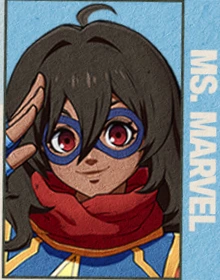
| Ms. Marvel | Stretch normals, grab range and unusual contact points | Practice max-range pokes, then dash only after the opponent respects the extended hitbox. |
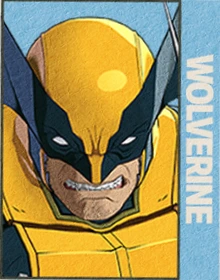
| Wolverine | Rushdown entry, close pressure and restraint | Practice dash-block, one safe string and stopping pressure before you get punished. |
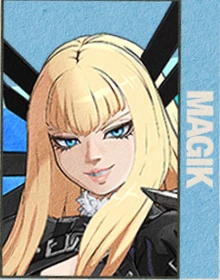
| Magik | Sword reach, portal-style movement and mixup timing | Practice setting space first, then using teleport or portal pressure only with assist cover. |
| Danger | Technical responses and option selection | Practice one defensive answer at a time instead of trying every unusual option in one match. |
| Peni Parker | Drone setup timing and protected activation | Practice calling a partner before setup so the opponent cannot simply interrupt. |
| Hulk | Heavy approach, armor timing and punish discipline | Practice slow movement, blocking patiently and using big buttons only when the opponent is committed. |
| Black Panther | Fast grounded approach, spear/claw pressure and tempo control | Practice low-risk entry, one hit confirm and retreating before the opponent mashes out. |
| Magneto | Screen control, magnetic pressure and layered assists | Practice full-screen presence, delayed projectile timing and assist calls that trap movement. |
| Green Goblin | Aerial disruption, bomb placement and awkward angles | Practice movement routes before attacks so his chaos stays controlled. |
| Carnage | Symbiote reach, pressure extension and risk management | Practice long normals at safe spacing and do not overextend without team cover. |
| Blade | Weapon reach, projectile follow-up and clean conversions | Practice mid-range sword checks, then confirm into a simple route before learning loops. |
| Deadpool | Gun/sword rhythm and unpredictable timing | Practice switching between ranged checks and direct attacks without becoming random. |
| Loki | Illusion pressure, counters and rhythm changes | Practice one trick setup, one defensive bait and one simple punish route before adding deception layers. |
Character difficulty and input comfort
Fighting Avengers
Iron Man
Mid-range projectiles and flight
A screen-aware fighter who uses repulsor shots, aerial positioning and clean mid-range control.
Fighting Avengers
Captain America
Balanced fundamentals
A fundamentals-first character built around spacing, reliable confirms and stable defensive decisions.
Amazing Guardians
Ms. Marvel
Stretch range and grab pressure
A flexible range fighter whose extended limbs can challenge spacing in ways that feel different from ordinary normals.
Unbreakable X-Men
Wolverine
Rushdown and close pressure
A direct close-range attacker who wants to stay on top of the opponent and turn hesitation into damage.
Unbreakable X-Men
Storm
Technical space control
A weather-themed specialist who should reward spacing, aerial awareness and deliberate screen shaping.
Unbreakable X-Men
Magik
Teleport mixups and sword routes
A technical sword-and-teleport character designed for players who enjoy ambiguous positioning and layered offense.
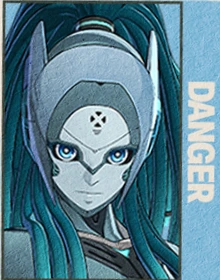
Unbreakable X-Men
Danger
Technical option selection
A specialist who appears built around calculated responses, unusual options and player knowledge checks.
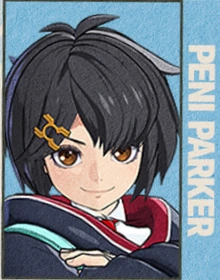
Amazing Guardians
Peni Parker
Drone setup character
A setup-focused fighter using SP//dr and layered tools to create controlled situations rather than simple pressure.
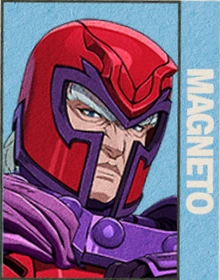
Knights of Doom
Magneto
Magnetism and screen control
A high-authority control character whose identity suggests space manipulation, pressure traps and technical conversions.
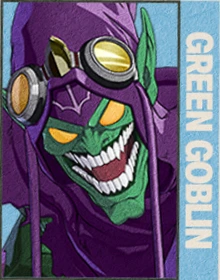
Knights of Doom
Green Goblin
Air disruption and bombs
A disruptive aerial villain who should specialize in awkward angles, explosives and momentum-breaking pressure.
Video
Ten-minute input drill
- Two minutes of walking, dashing, jumping and blocking in Marvel Tokon Training Mode.
- Two minutes of normal attacks at different ranges so you understand which button controls space.
- Two minutes of specials with your chosen Marvel Tokon input style.
- Two minutes of short confirms into a safe ender.
- Two minutes of assist calls, defense and reset practice.
Related pages
After setting Marvel Tokon controls, read Guide for the learning route and Characters for role selection. If you plan to play online across platforms, check Crossplay before committing to a platform.